Compare the images of a Choice right in the viewer
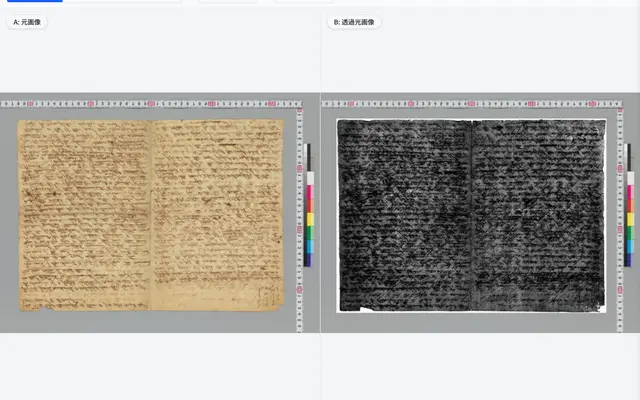
When a Canvas holds several images (for example reflected and transmitted light), use Compare in the image choice bar to swipe, use a spyglass, overlay or place them side by side. You can pick the second image, and annotation boxes are shown on both. To compare different manifests or 3D models, use the Compare page as before.
Try it in Kasane