Open an image from your computer and read its text in the browser
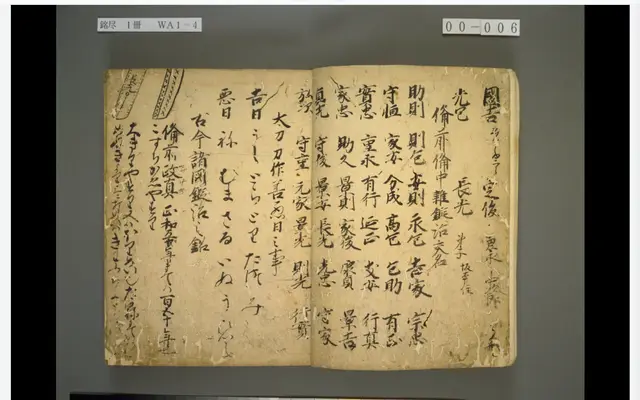
Use “Open an image from your computer” on the viewer’s start page, or drag an image onto the page, to open an image file. The image stays in your browser and is never sent to a server. You can then read its text with NDLOCR-Lite and other models in the Inference tab.
Try it in Kasane